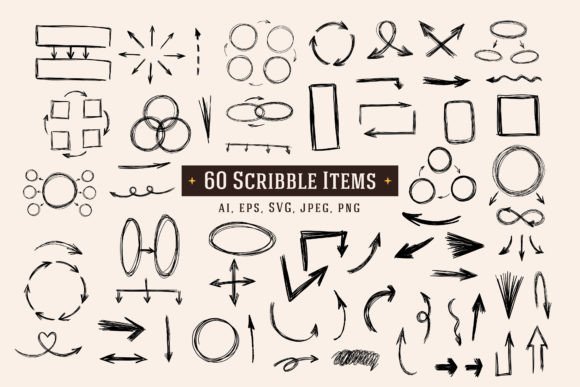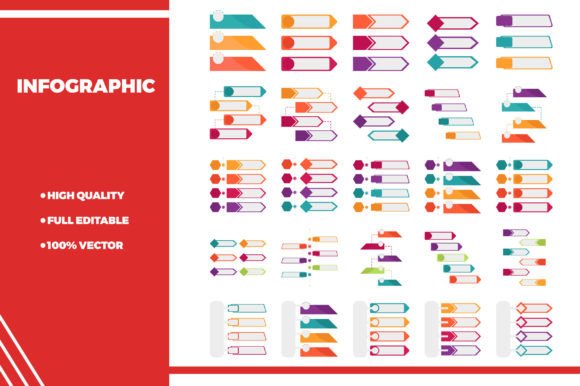
Infographic Illustration: Your Visual Toolkit for Clearer Communication
Imagine you need to explain how your new app works, or show the steps in a process, or simply make a blog post more engaging. Words are powerful, but sometimes they need a partner. That’s where Infographic Illustration comes in. It’s not just decorative art; it’s a functional visual language built from simple icons, charts, and figures designed to simplify information and guide the eye. When you use a set of clean, editable illustrations, you’re not just adding pictures—you’re building a visual story.
Where Visual Stories Make a Real Difference
Most of us encounter complex information every day. A marketer drafting a campaign report, a teacher preparing a lesson on recycling, a freelancer pitching a service workflow—all face the same challenge: how to make their message stick without overwhelming their audience. This is the perfect moment for Infographic Illustration.
Consider a small business owner launching a product. A dense text FAQ page might turn users away. Instead, integrating a few simple icons to illustrate setup steps, key features, and support options can transform that page into an inviting, easy-to-follow guide. The user’s experience shifts from reading a manual to following a visual path, which feels faster and more intuitive.
Bringing Ideas to Life Across Projects
The real power of a well-designed illustration library lies in its adaptability. Because these are often vector files, meaning they’re built with scalable geometry rather than static pixels, they can fit into almost any context without losing quality. Let’s walk through a few real scenarios.
A blogger writing about personal finance might use a series of minimalist icons to represent savings, investments, and expenses. This breaks up the text and creates visual anchors for key concepts, making the article more skimmable and shareable. Meanwhile, an entrepreneur creating a pitch deck for investors can use the same set of icons to diagram their business model, showing customer flow and revenue streams clearly on a slide. The consistency of style across their materials begins to establish a professional, cohesive brand identity even at an early stage.
For someone designing a mobile app interface, these illustrations are more than just assets; they are interface elements. A flat, clean icon for a settings menu or a fresh illustration for an empty state screen (like a blank notifications list) directly shapes the user’s interaction. The look is simple and fresh, which aligns with modern iOS and Android design principles, reducing cognitive load for the end-user.
Choosing Your Visual Toolkit: What Matters Beyond the Look
When you’re looking for a set of Infographic Illustrations, the description “100 vector icons” or “multiple file formats” is a start, but the practical question is: how does this translate to your actual workflow? The promise of easy editing is crucial. Can you change the color to match your brand’s palette without hours of manual work? If the files come in AI, EPS, and SVG formats, that means a graphic designer can tweak them deeply in professional software, while a blogger might easily use the JPG versions in a web page builder. The right library serves both experts and everyday users.
Think about scope. Is the set versatile enough for your various projects? A library that includes icons for business, technology, lifestyle, and education gives you a single resource for your company website, your client’s health app tutorial, and your community newsletter. You avoid the clutter of searching for disjointed images every time you start a new task.
Also, consider the style’s longevity. An elegant, minimal design isn’t just about being trendy; it’s about being clear and timeless. Overly detailed or stylized illustrations can become distracting and date quickly. A simple, fresh look ensures the focus remains on the information you’re trying to convey, whether your project is viewed on a huge conference screen or a small smartphone display. The quality of being perfect for any size isn’t just a technical feature—it’s the peace of mind that your visual materials will appear crisp everywhere.
The Everyday Benefits for Different Creators
The benefits shift depending on who you are and what you’re trying to achieve. For a marketer or content creator, these illustrations are a tool for increasing engagement and comprehension. Charts with custom icons get more shares than plain graphs. An educator or trainer uses them to build more effective instructional materials. A complex process, like software deployment, becomes easier to teach when each step has a visual symbol associated with it.
For a freelancer or small business owner with limited resources, a comprehensive library is a cost-effective solution. It avoids the need for custom illustration contracts for every small project. You can maintain a consistent visual tone across your website, social media, and client documents, which helps in building professional credibility. The hobbyist or everyday user, perhaps making a guide for a community group, finds that these pre-made assets empower them to create polished materials without needing artistic skills.
In all cases, the outcome is similar: you save time, enhance clarity, and communicate more persuasively. You’re not just telling; you’re showing.
Moving From Features to Real Outcomes
Let’s connect those common feature lists to the tangible results you’ll see. When a library offers perfect flat design vectors, that means your exported images will have no stray shadows or gradients that might clash with your website’s minimalist theme. The “easy editable” property translates directly to you tweaking an icon’s color in ten minutes to match a new client’s logo, rather than starting from scratch.
Having various file formats means your team can collaborate smoothly. Your designer works on the master AI file for the annual report, while you drop the provided SVG into your web-based presentation tool for a quick team meeting. The different formats bridge different skill levels and software environments.
Ultimately, a robust set of Infographic Illustrations acts as a visual foundation. It encourages you to think more visually about your communication. You start to see opportunities to replace a paragraph with a simple diagram, or to enhance a list with representative icons. This shift in thinking—from purely textual to visual-textual—often leads to work that is more memorable, more accessible, and more effective at achieving its goal, whether that’s teaching, selling, explaining, or engaging.
Before you apply any set to your projects, take a moment to audit your needs. Look at the kinds of projects you do regularly. Does the icon range cover your key topics? Test a sample edit to see if the process feels manageable within your skillset. A good library should feel like a helpful toolkit, not a complicated new software to learn. When chosen thoughtfully, these illustrations become more than just graphics; they become part of your communication voice, helping you tell your story in a fun and compelling way, exactly as your audience needs to hear it.